Writing
Blog
NetSuite development, SuiteScript patterns, and what the platform teaches you when you spend all day inside it.

A SaaS is a Set of Promises
I saw a need in the NetSuite community for a seamless dunning and collections platform for NetSuite users, so I built one. But now I can't pull the trigger to go-live with it.

Send Sales Order Billing Schedules to Salesforce
We needed to send the billing schedule from sales orders to Salesforce. We just need to send the full list of billing date and invoice amount. But there's a wrinkle.

Data Generation for Dev Environments
Managing one or more development environments? How do you keep them relevant over time. If they become stale, it makes working on new projects with current data difficult. Here, I’ll explain a series of steps I’ve taken to maintain my development environment ensuring current sales order, invoice, and customer payment data.

Tips when using lookupFields()
Here are a couple of tips when working with `search.lookupFields()` in SuiteScript 2.1.

Scripted vs Saved Searches
**Unpopular Opinion**: I prefer to use scripted searches in my SuiteScript rather than referencing existing, external saved searches. Here’s why.
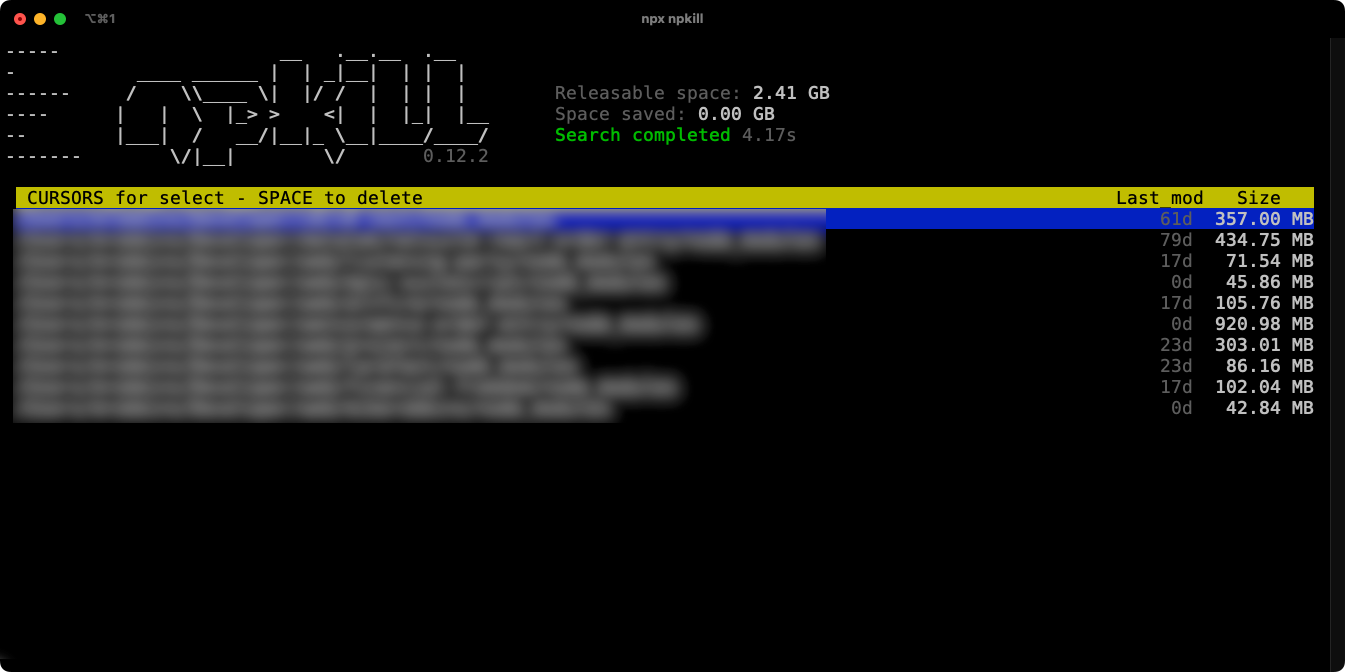
Use 'npkill' to Clean Up Old 'node_modules'
Use this easy utility to quickly identify and remove `node_modules` folders from old or unused projects on your computer.

Custom State Labels on Records
Ever wanted to add a custom status to your transactions? Sales Orders might be "Pending Approval", "Pending Billing", or "Billed", but do your business processes also include transaction states like "Validated" or "In Collections". With this SuiteScript module, you can easily display these states using the same look and feel as the native NetSuite transaction states.

SuiteScript with a Safety Net
Littering your code with try/catches everywhere can be annoying and ensuring that you have a consistent way check for, handle, and log errors can be difficult. With a simple library, you can ensure consistent error logging throughout your SuiteScript code bae
Using DataGrip with NetSuite
DataGrip is a great application from the team at JetBrains. It allows you to connect to a variety of different databases and data sources including NetSuite when you use the ODBC/JDBC drivers provided by NetSuite.

SuiteScript Function Naming
Naming functions well in our code is often challenging. With no modules to speak of in SuiteScript 1.0, these function often exist in the JavaScript global namespace. This is an easy way to namespace your functions to avoid any naming collisions.

.map() your NetSuite Search Results
When writing SuiteScript, your code will be easier to read if you can use regular JavaScript objects rather than the script IDs for your custom field names. Using the JavaScript .map() function can help.

Pluralsight, Training for Serious Learners
There are few learning platforms that provide quality, on-demand training for such a wide variety of software development and design topics as Pluralsight.